

Honeycomb Bravo Throttle Quadrant
In stock
Backordered
Notes
Honeycomb Bravo Throttle Quadrant
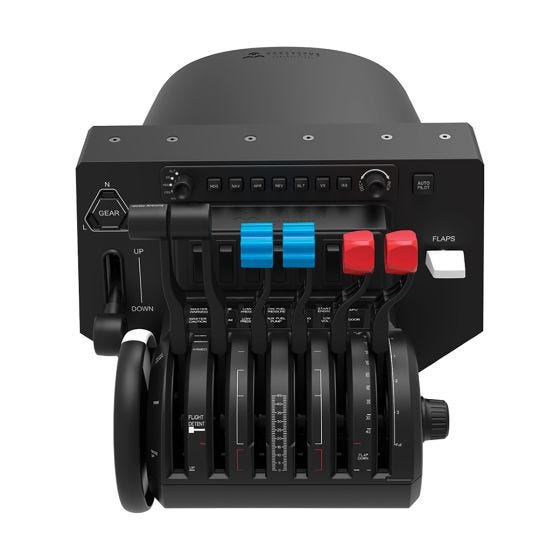
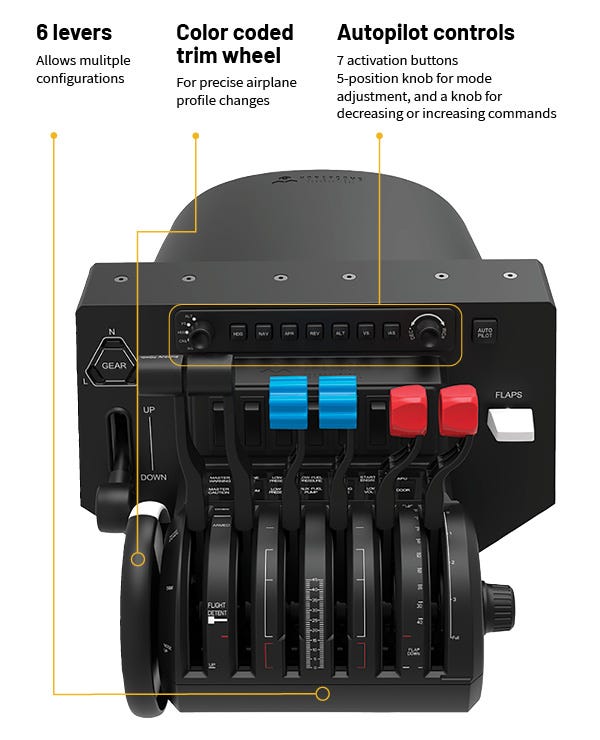
The Bravo Throttle Quadrant is an all-in-one cockpit system featuring a fully configurable throttle setup. Six general aviation and six commercial levers are included and can be arranged from single-engine general aviation all the way up to four-engine commercial aircraft. The commercial levers include flaps, spoilers, and functional thrust reversers while the general aviation levers include throttle, prop, and mixture and can engage thrust revers for turboprops as well. The Honeycomb Bravo also features multiple cockpit components, including an autopilot panel with backlit buttons, annunciator panel with 14 warning lights, gear lever with indicator lights, general aviation flap lever, and a trim wheel. The throttle also comes with a dual mounting system which includes two heavy-duty steel clamps and a large 3M Micro-Suction pad that can be used as a clamp-free solution. The Honeycomb Bravo Throttle Quadrant was designed to ensure the most versatile flight simulation experience possible.
Features
Ease of Autopilot Use
The Honeycomb Bravo is the first throttle body to incorporate a detailed autopilot command console. The left dial selects the desired autopilot control to alter (Altitude Bug, Vertical Speed Bug, Heading Bug, Course Selection, Indicated Airspeed Selection), while the right-side dial allows us to make incremental changes to the desired control. Seven backlit buttons activate desired settings.
Multilayer Control Inputs
Not only does the position of a lever convey a control input to the digital airplane, but five of the six levers include internal electronics that allow further command inputs. The General Aviation throttle one lever includes a red TOGA button, and commercial throttle levers one through four each include thrust reverse commands.
Unparalleled Mounting Design
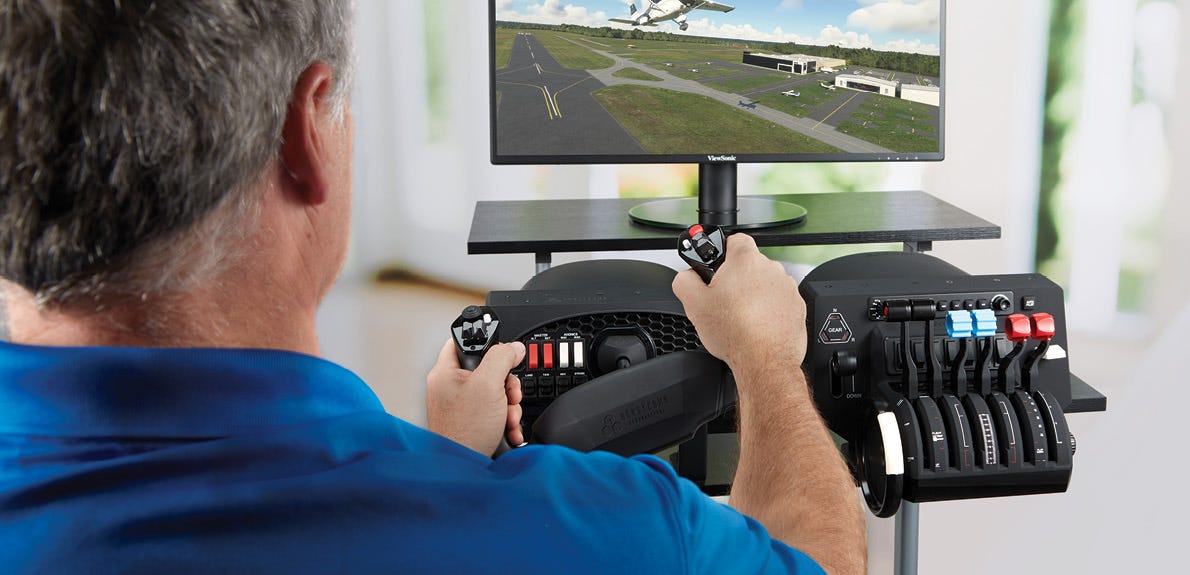
Uniquely designed mounting hardware ensures the throttle will stay exactly where it's mounted and overcome the extreme movements that this throttle will allow you to digitally enjoy.
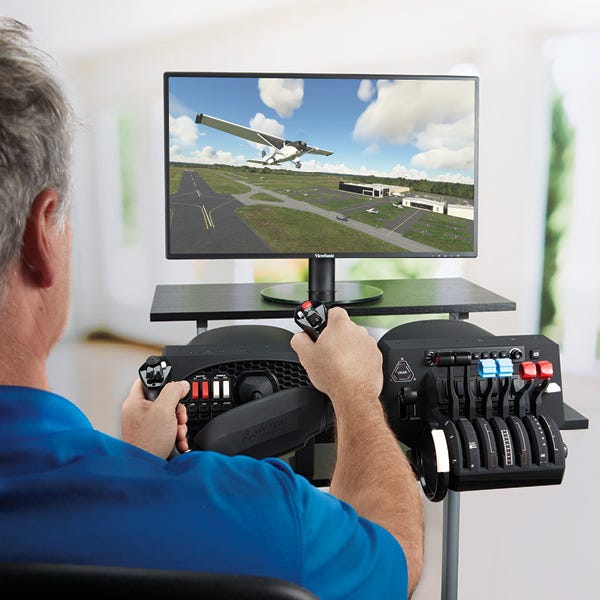
Realistic details
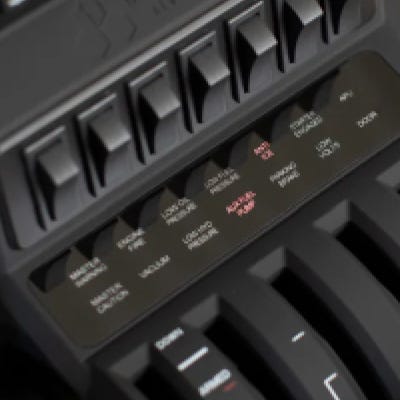
Annunciator Panel
Features 7 two-way programmable switches and 14 warning lights
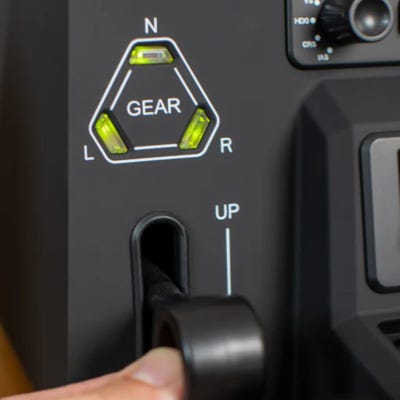
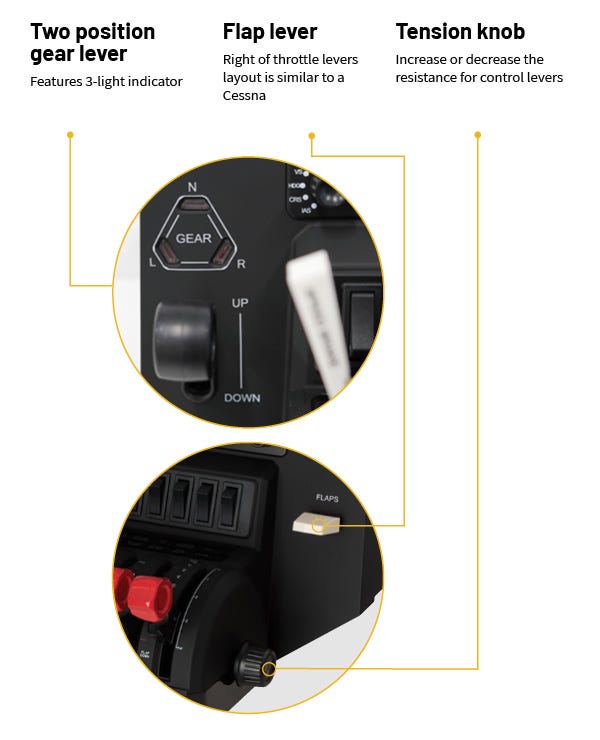
Landing Gear
Features a gear lver with red/green LED landing gear indicator lights
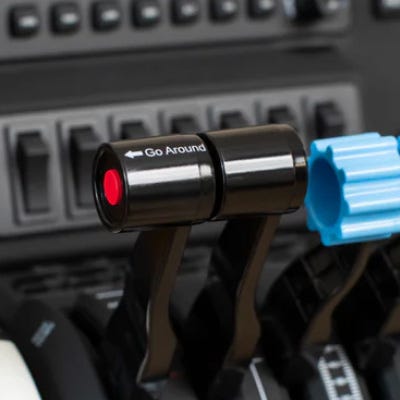
Toga Lever
One lever with take-off/go-around button
Configurations

Configuration 1:
Single engine, non complex
Aircraft:
Cessna 172, Piper Cub

Configuration 2:
Single engine, complex
Aircraft:
Piper 206, Piper M350, Cessna 182

Configuration 3:
Multi engine GA
Aircraft:
Piper Aztec, Beechcraft King Air

Configuration 4:
Commercial 2 engine
Aircraft:
Boeing 757, Boeing 787

Configuration 5:
Commercial 4 engine
Aircraft:
Boeing 747, Concorde
Specs
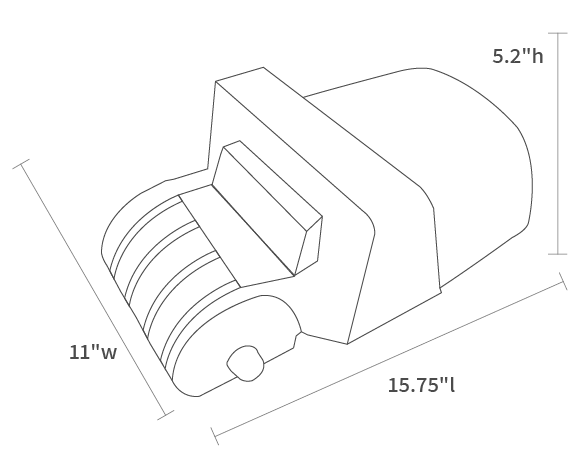
| Weight | 5lbs. 4oz. |
| System Compatibility | PC, MAC |
| Software Compatibility | X-Plane 11 & 12, Prepar3D, Microsoft Flight Simulator |
| Connectivity | USB-C to USB-A |
| Warranty | 2 year |
Video & blog recourses
Video & Blog Resources

Honeycomb Bravo Throttle Quadrant - Pilot's Review

Cessna 152 Configuration - Flight Sim 2020

Cessna 208 Configuration - Flight Sim 2020

Microsoft Flight Simulator FA-18
Cessna Citation Configuration - Flight Sim 2020

Boeing 747 Configuration - Flight Sim 2020
Honeycomb Bravo Configuration for X-Plane
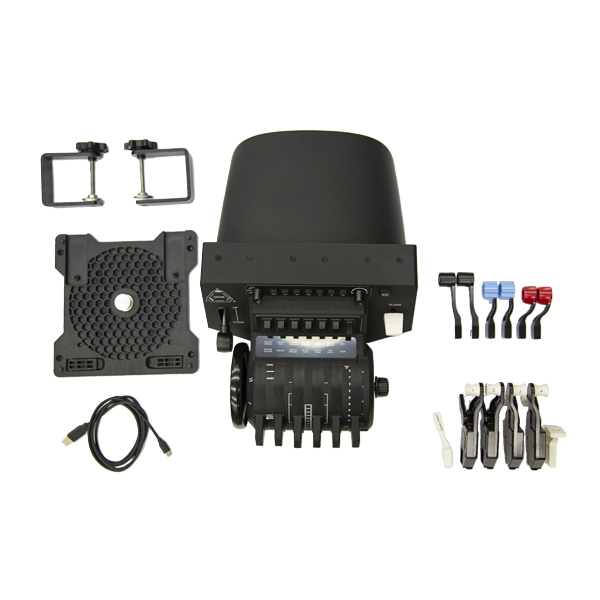
In the Box
- Bravo Throttle Quadrant
- Six commercial levers
- Six general aviation levers
- Dual mounting hardware
- USB-C to USB-A cable
- Quick start guide