
Garmin GFC Autopilots: Next Level Course (PilotWorkshops)
In stock
Backordered
Garmin GFC Autopilots:
Next Level
Unlock your autopilot’s full potential to reduce workload, keep you confidently ahead of the airplane, and make flying safer.
Beyond Buttonology
Having a modern autopilot in your airplane can be a tremendous safety benefit—or a dangerous distraction. What makes the difference is understanding how to use that autopilot in the real world.
Autopilot operation is poorly taught in most flight training because it’s not a formal part of the curriculum. To make matters worse, most books and courses about autopilots just repackage what’s in the manual.
That’s why we created this course. In a series of progressively complex flights, you’ll learn the foundational principles, best practices, and step-by-step workflows that autopilot-proficient pilots need to know. Along the way, we’ll uncover the common misconceptions, subtle nuances, and potential traps that can catch even seasoned pros.
If you’ve ever asked yourself, “What’s it doing now?” … then you know that simply memorizing what each button does is not enough.
This course will transform the way you use your autopilot—turning it into a powerful partner you can command, anticipate, and trust.
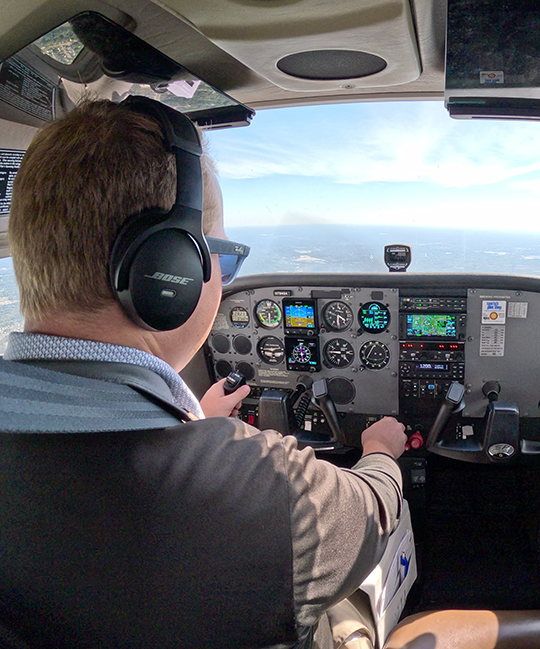
Course Overview
Scenario-based videos explain and demonstrate the optimal way to set up and use your Garmin autopilot
in a variety of in-flight situations.
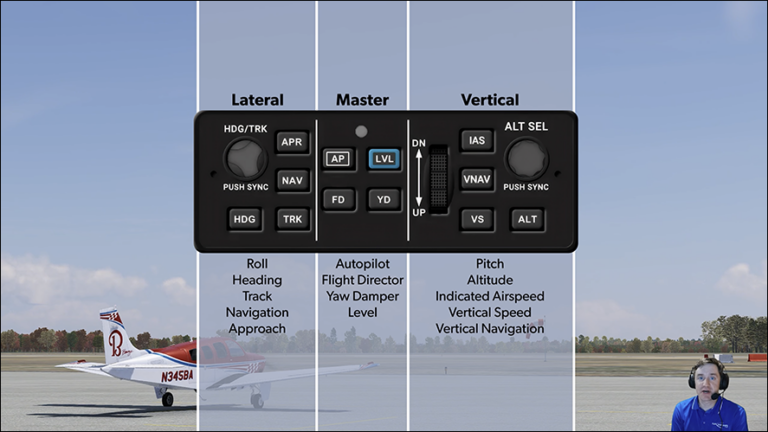
GFC Organization and Insights
- How to think like the autopilot
- What most pilots overlook when learning a Garmin autopilot
- The one thing you must do any time you press a button
- What the flight director really shows you
- When—and why—to use the flight director without the autopilot
- When and how to disconnect the autopilot—and why it matters
- Three different uses for LVL
- A misunderstood detail about NAV mode
- APR versus NAV mode, and when to use each
- How ROL mode behaves
- A misconception about ALT Hold
- The subtle but important difference between IAS and FLC modes
- An easy way to remember how the pitch wheel works
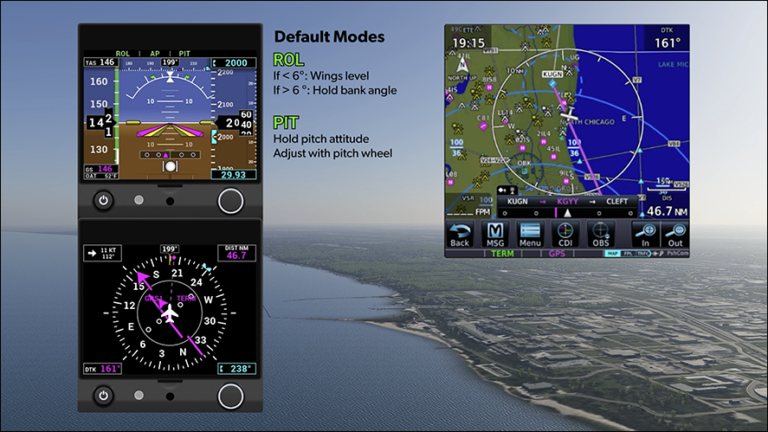
Autopilot Essentials for Every Flight
- Why ROL and PIT are the default autopilot modes and how to use them
- The two reasons to always keep the heading bug synced with your current heading
- How to change altitude without leaving ALT Hold mode
- When TRK mode makes more sense than HDG mode
- The right amount of attention to give the autopilot, at the right time
- The airline pilot mindset that makes using the autopilot easier
- Why you should keep your hands off the yoke when the autopilot has the airplane
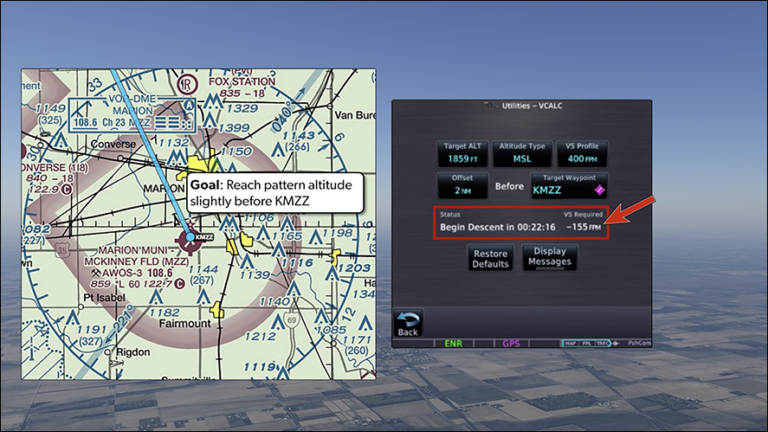
Climb and Descent Perfection
- A simple sequence for telling the autopilot what to do
- Why the selected altitude matters so much when using IAS mode
- The hazards of using VS mode during a climb
- How Garmin autopilots automatically detect the NAV source
- How playing “beat the beep” keeps you ahead of the autopilot
- How to fly precise descents with different types of GPS guidance
- Why IAS mode works well for descents in turbulence
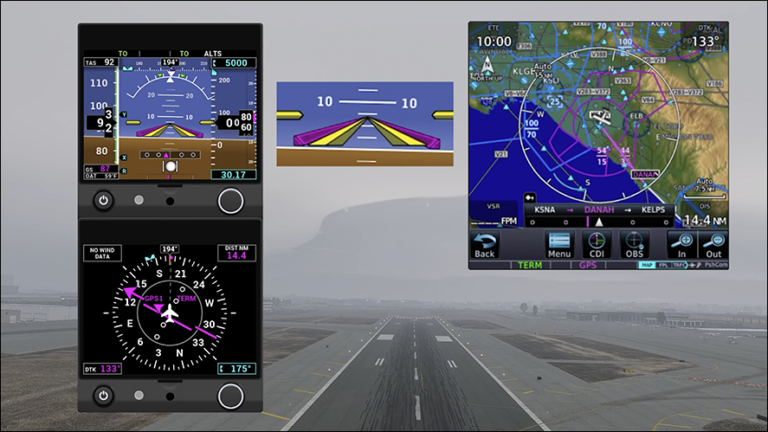
Takeoffs into IMC
- Two important benefits of using the flight director on takeoff
- How to create takeoff guidance with TO/GA or the FD button
- The one thing you must verify after pressing the AP button, and two ways to do it
- What you should always check before engaging NAV mode
- Why you shouldn’t use IAS mode for takeoff
- When using HDG mode for takeoff can cause confusion
- Why TO or ROL should be your default lateral mode for takeoff
- How to avoid a subtle trap when cleared direct to a waypoint after takeoff
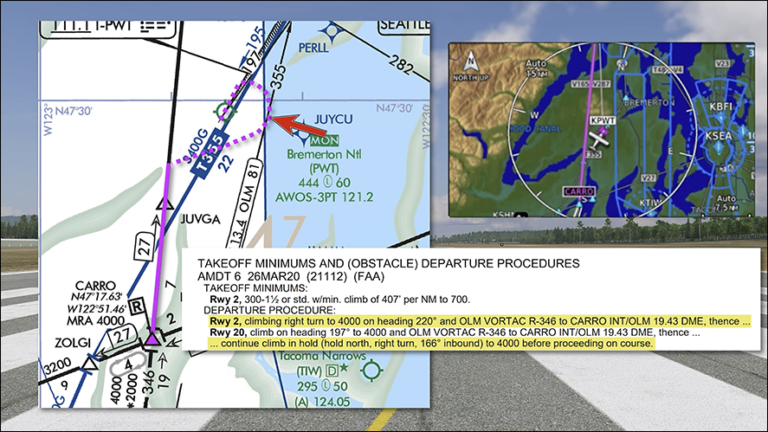
Departure Heading Gotcha
- Why you need to be careful when engaging HDG mode on the ramp
- How to use HDG mode to turn “the long way around” to an assigned heading
- How to make sure the autopilot will turn the way you expect
- How to anticipate what the autopilot will do when workload is high
- When it makes sense to break a best practice
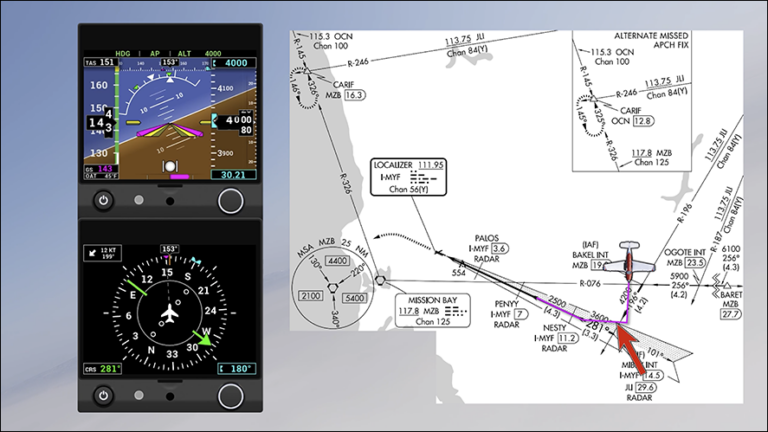
Approach Use Essentials
- How to avoid common mistakes when following vectors from ATC (it happens more than you’d think)”
- What the APR button actually does, and when to press it
- How to stay ahead of the autopilot while it flies an approach
- What altitude to preselect once you’re following vertical approach guidance
- Why APR mode won’t level off at your selected altitude
- How the flight director can smooth your transition to landing
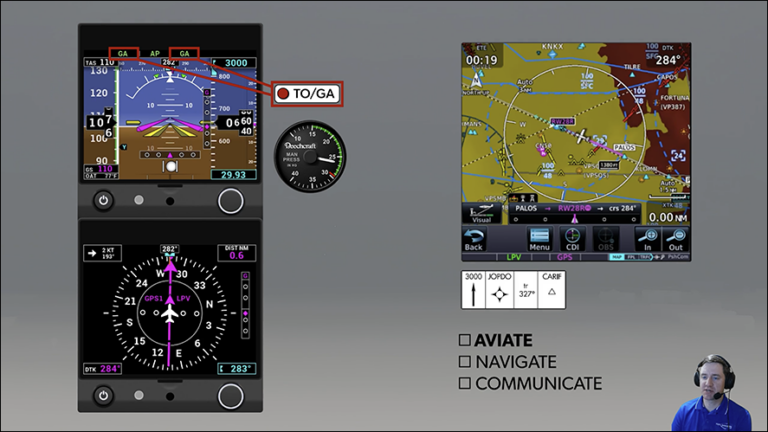
Missed Approach Variations
- How your job changes when using the autopilot to fly a missed approach
- How to use TO/GA to initiate a missed approach
- Which lateral mode is best for almost every published missed approach
- When to activate the missed approach when using the autopilot
- How to confidently fly a missed approach without a TO/GA button
- How to practice missed approaches with your particular GPS
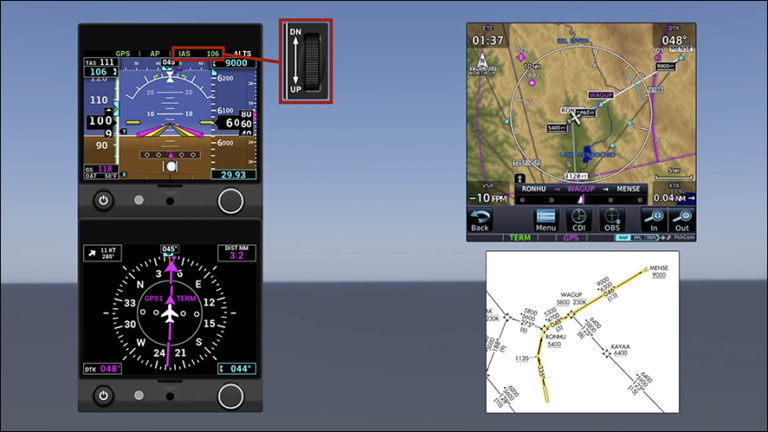
SID Navigation
- Why you should use NAV mode for takeoff when the GPS flight plan includes a Heading leg
- Why you should always review the flight plan before letting NAV mode fly a SID
- What “advisory altitudes” mean to the autopilot
- Why VNAV can’t be used for climbs
- How to meet “at or above” altitude constraints while climbing in IAS mode, and the gotcha to avoid
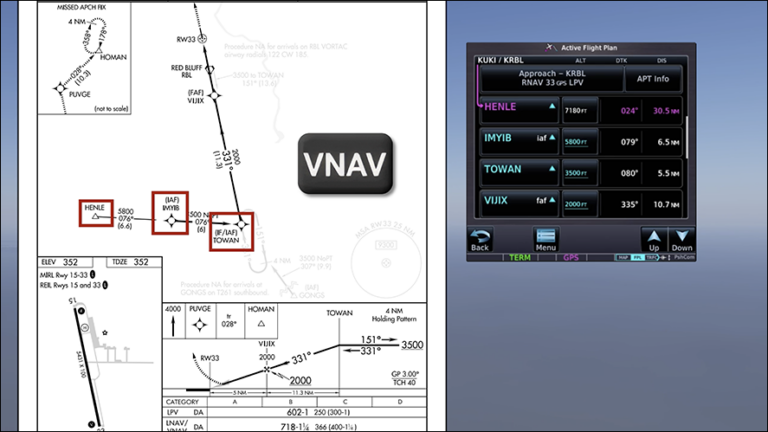
VNAV Step-by-Step
- How VNAV can make continuous descents easier while reducing workload
- The difference between advisory altitudes and VNAV constraints
- What altitude to set once you’re cleared for the approach when using VNAV
- What the “Vertical Track” aural alert is telling you
- How a VNAV path looks different from a normal glidepath on a PFD
- What “ALTV” on the Status Strip means
- How the “ghost glidepath” makes the transition to the glidepath easier to see
- How customizing a VNAV profile can help you manage speed
Bonus: Advisory Guidance All the Way Down
- How VNAV uses barometric altitude, and why
- The two ways VNAV can merge with approach guidance, and which one applies to your installation
- How to verify that you’re getting full functionality from your PFD, HSI, and GPS
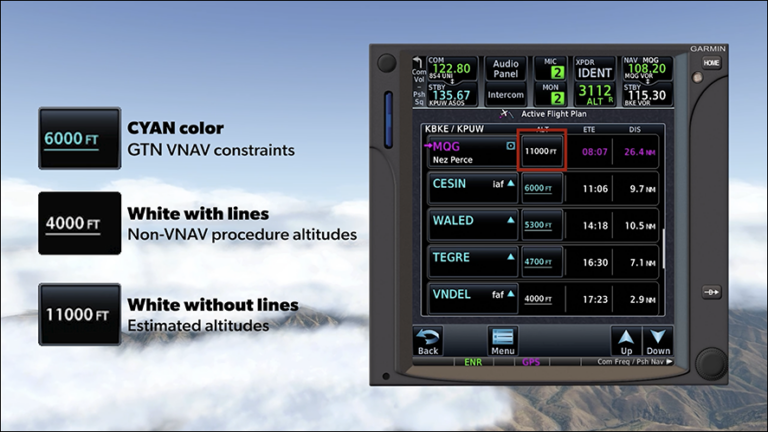
- How VNAV constraints differ from non-VNAV procedure altitudes—and why it matters
- How to enter a crossing restriction into the descent profile
- How to change the VNAV Flight Path Angle (and why you’d want to)
- What “VNAV Direct” does—and doesn’t—do
- When to set the bottom altitude and when to arm VNAV mode
- What the magenta carrot on the VSI shows you (and when it’s particularly useful)
- How to avoid a complacency trap when using advisory guidance on a complex approach
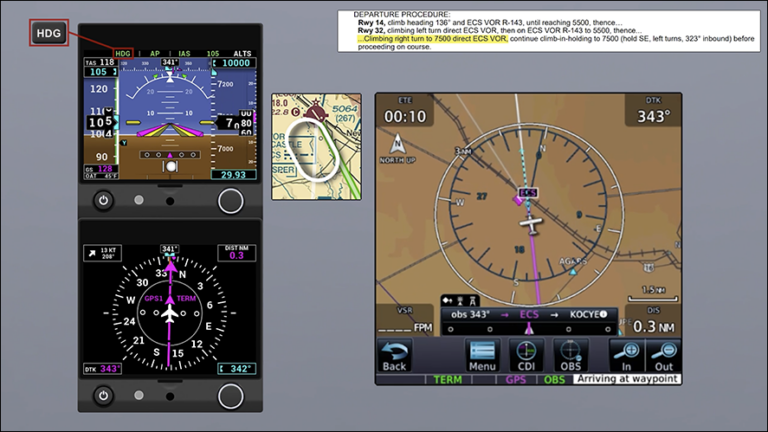
Textual Departures with a Digital Autopilot
- How to use OBS mode to track a VOR radial and suspend waypoint sequencing
- Using HDG mode while you verify the GPS’s intended turn direction
- When to fly a hold using OBS and HDG modes
- How to configure a Garmin autopilot when the departure turn is more than 180 degrees
- When to adjust the heading bug for a proper intercept
- How to resume normal waypoint sequencing after using OBS mode
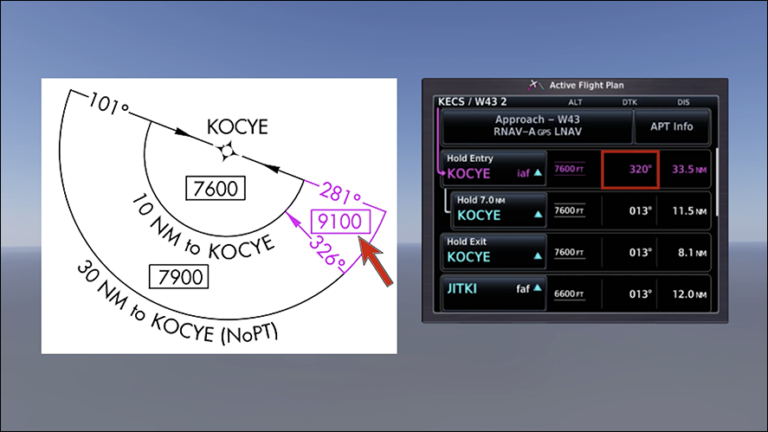
Approach Stepdowns and Holds
- Using the GPS countdown timer to remind you when to set the next stepdown altitude
- How to use the Selected Altitude arc to stay ahead of the descent profile
- Why you should set a descent rate that puts the Selected Altitude arc just beyond the stepdown fix
- How to use the pitch wheel to fine-tune the selected altitude down to the MDA
- Why having an altitude preselect strategy is important on a non-precision approach
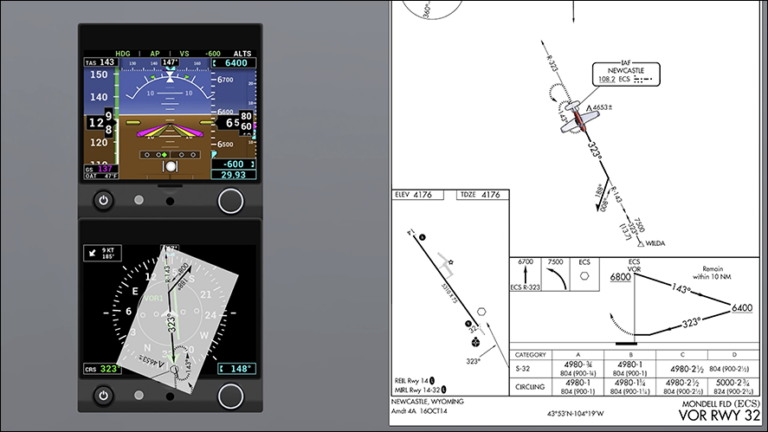
Non-RNAV with Autopilot Precision
- Why flying a VOR approach without GPS requires both HDG and NAV modes
- Why HDG mode can be a better choice for the outbound leg
- When to set the MDA and begin the descent in VS mode
- How to avoid two potential traps when leveling off at MDA
- Why you may want to switch to HDG mode when close to a VOR
- Why HDG mode can make tracking a radial on a missed approach easier
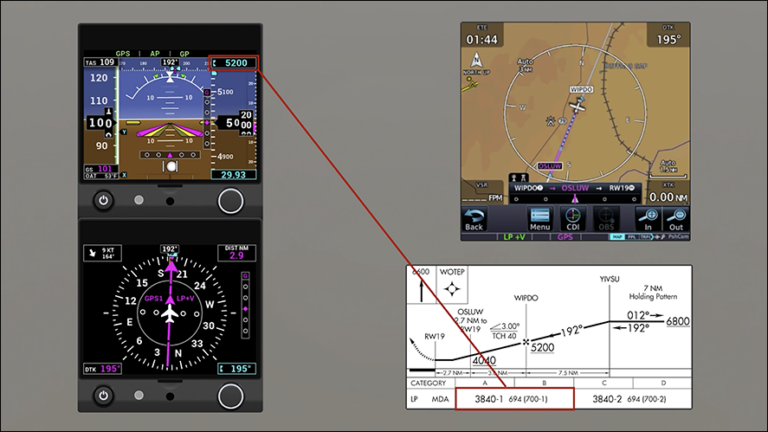
Non-Precision Approach Subtleties
- How advisory vertical guidance (“+V”) and GP mode can help you fly a more stabilized non-precision approach
- How to avoid dipping below the MDA when treating it like a Decision Altitude
- Using the altitude deviation alert as a cue to preselect the MDA
- A clever workaround to capture and level off at the MDA
- Why you still need to verify you’re at or above stepdown altitudes when using GP mode
Meet Your Instructor
Ryan Koch
CFII, Director of Product Development
Ryan is responsible for the design and development of our new online training courses and pilot-friendly manuals, and oversees the course development team. He is also an active flight instructor specializing in instrument flight, is a flight simulator expert, and has experience doing remote flight instruction via simulators.
Ryan was the driving force behind the development of several PilotWorkshops online courses, including Instrument Rating Accelerator, IFR: The Missing Lessons, Garmin GTN: Next Level, and Advanced IFR. Ryan is also a contributing expert for PilotWorkshops’ IFR Mastery series and is a regular participant in the Instructor’s Roundtable. He teaches ground schools, runs ATC communications courses for both IFR and VFR pilots, and has developed curriculum for a variety of IFR proficiency programs, and a simulator-centered high school aviation program.

Frequently Asked Questions
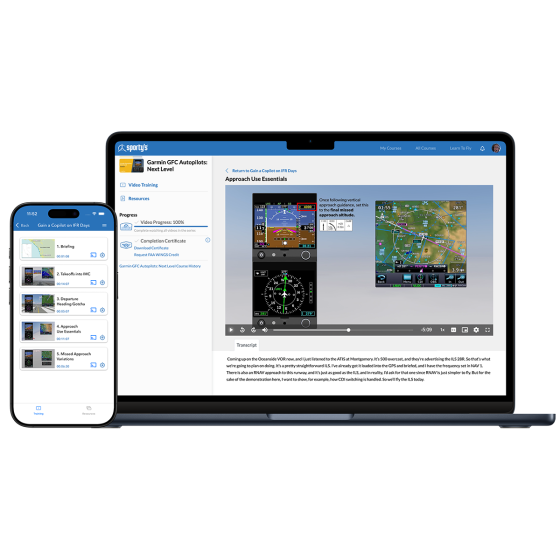
A: Your training is available online at Sportys.com/mycourses and in the Pilot Training App available on iOS and Android. You can watch it on any computer, tablet or phone.
A: No. Once you register your login credentials, they will never expire. You will always have access to the program.
A: Yes, you can download the videos for offline viewing from the Sporty's Pilot Training iOS or Android app.
A: Yes – with your login info, you can access the site from any device as often as you want for personal use.