

Flight simulation is in a boom phase. With today’s personal computers offering compute power far better than what we had just a few years ago, consumer-level flight simulator software programs have raised the bar with highly accurate aerodynamic models as well as real life interactivity. And hardware providers continue to improve our options for flight controls. It’s a great time to use a simulator to A) supplement flight training, B) keep the rust off for active pilots, or C) enjoy the experience that is piloting an airplane with the ease of aviating at home.
Engine management or throttle control is what gives our aircraft the ability to leave the bounds of planet Earth, while also providing a method for administering the efficiency, speed, or phase of our flight. During my flight training my instructor asked me to conduct our flights as if we had a passenger in the back seat with a full, open cup of coffee. It wasn’t a time to crank and bank—we wanted it to be a smooth flight. Engine management (as well as primary control inputs) are what professional pilots prioritize to make sure their passengers have an uneventful and smooth trip.
Many of today’s flight simulator throttles provide the basics, as well as additional features that help us to be better pilots. Here is our list of four throttle options for anyone interested in flying at home.
Good Option - Logitech Throttle
The Additional Logitech Flight Simulator Throttle is a great option for someone building a simulator from scratch and working with a tight budget, or for someone who’s looking for an easy way to fly a multiengine aircraft simulator (when you put two next to each other). The Logitech Throttle is short on bells and whistles but provides the needed levers: throttle, prop, mixture. For less than $70, it’s a great starting option for entry flight simmers.
Features:
-
Throttle, propeller, and mixture levers
-
Interchangeable lever heads
-
Three two-way switches (for flaps or gear)
-
Multiple orientation profiles
-
Compatibility: Microsoft Flight Simulator, X-Plane, Prepar3D
Better Option - Honeycomb Sierra TPM Quadrant
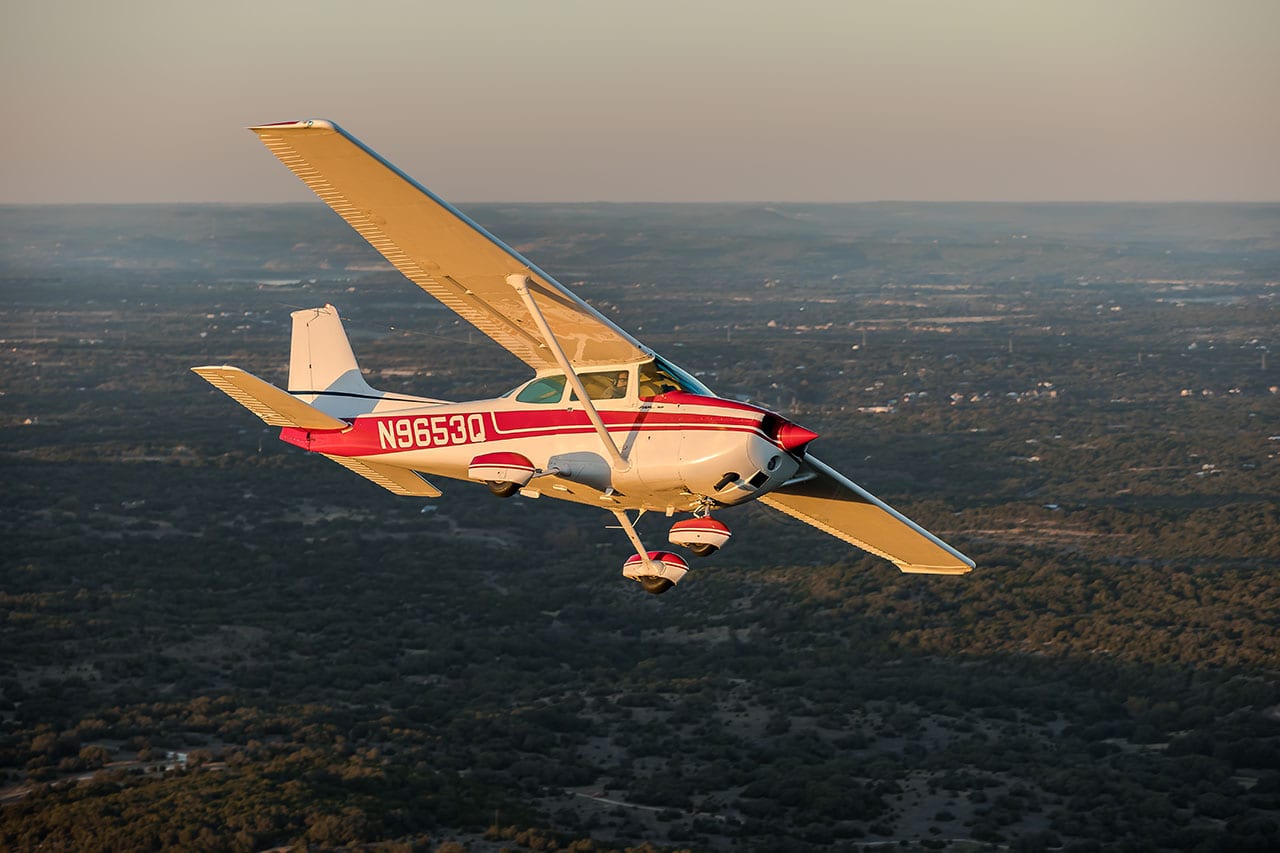
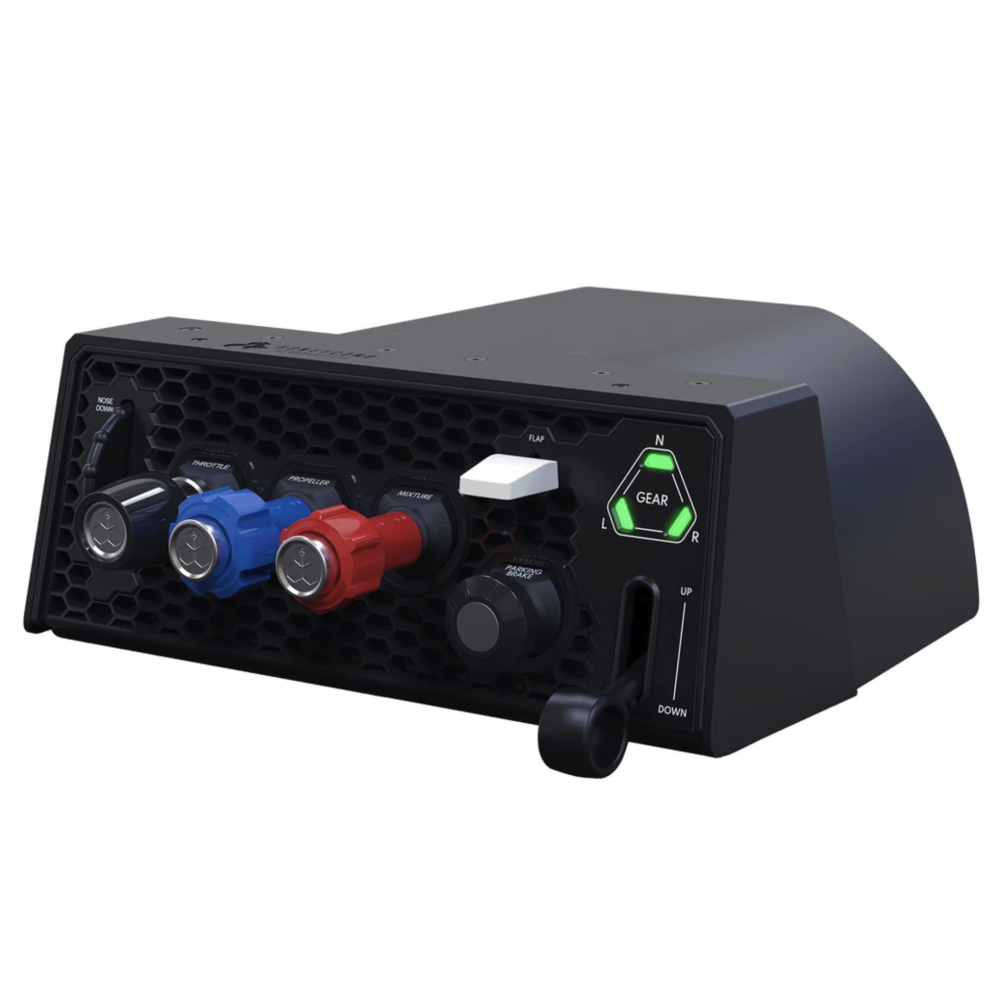
The Cessna Skyhawk is the preferred choice for most flight schools, as well as private pilots worldwide, due to its forgiving nature and reliability. Now you can accurately simulate flight in a Cessna airplane with the Sierra TPM Quadrant from Honeycomb.
True to the vernier-style throttles found in Skyhawks and Skylanes, the TPM Quadrant features a push/pull option per lever, as well as twist setting for fine tuning the propeller and mixture controls. When trying to change the RPM setting in a constant speed propeller aircraft by small amounts, it helps to have the incremental twist of the propeller control (Interactive video tip: Flying with a constant-speed propeller)
Honeycomb Sierra TPM Review Video
Features:
-
Metal TPM vernier levers
-
Flaps lever
-
Parking brake
-
Pitch trim wheel
-
Landing gear handle
-
Landing gear position LED indicator
-
Dual mounting solution
-
Compatibility: Microsoft Flight Simulator, X-Plane, Prepar3D
-
Compatibility: Microsoft Flight Simulator, X-Plane, Prepar3D
Best Option - Honeycomb Bravo Throttle Quadrant
The Bravo Throttle Quadrant is an all-in-one cockpit system. Six general aviation and six commercial levers are included and can be arranged from single-engine piston all the way up to four-engine jet aircraft. The commercial levers include flaps, spoilers, and functional thrust reversers, while the general aviation levers include throttle, prop, and mixture and can engage thrust reversers for turboprops as well. The Honeycomb Bravo also features multiple cockpit components, including an autopilot panel with backlit buttons, annunciator panel, gear lever with indicator lights, general aviation flap lever, and a pitch trim wheel. The Honeycomb Bravo Throttle Quadrant was designed to ensure the most versatile flight simulation experience possible.
Honeycomb Bravo Throttle Review Video
Features:
-
Six levers with detents and friction knob
-
Color coded trim wheel
-
Autopilot controls
-
Two position gear handle with indication lights
-
Flap lever
-
General aviation levers
-
Commercial levers
-
Dual mounting solution
-
Compatibility: Microsoft Flight Simulator, X-Plane, Prepar3D
Unique Option - Logitech X56 Hands On Throttle And Stick
The X56 HOTAS from Logitech is a great option for the more technically savvy flight sim user, or anyone who is used to flying stick aircraft. The dual throttle system provides engine management controls in line with fighter aircraft while also providing features that appeal to general aviation drivers. The X56 system has 189 programmable controls for those who like to map every command out in their program, but it also works out of the box with Microsoft Flight Simulator 2020 and 2024 for those who want to get airborne (digitally) faster.
Logitech X56 HOTAS Review Video
Features:
-
Pitch / roll / yaw control
-
Dual throttle levers with friction knob
-
Three metal resetting switches
-
Four metal two-position switches
-
Two 8-way hat switches
-
189 programmable controls
-
Compatibility: Microsoft Flight Simulator, X-Plane, Prepar3D
There are a lot of flight simulator controls for today’s digital pilots. Controlling our thrust, propeller efficiency, fuel flow and other settings has never been easier to manage. Whether a Piper Cub, Boeing 747, or an F-35, these throttle quadrants will get you flying fast and enjoyably.